Importing Model Results
Imports happen on the Model Import page, which has separate tabs for model annotations, historic/manual annotations, metadata, and bundles.
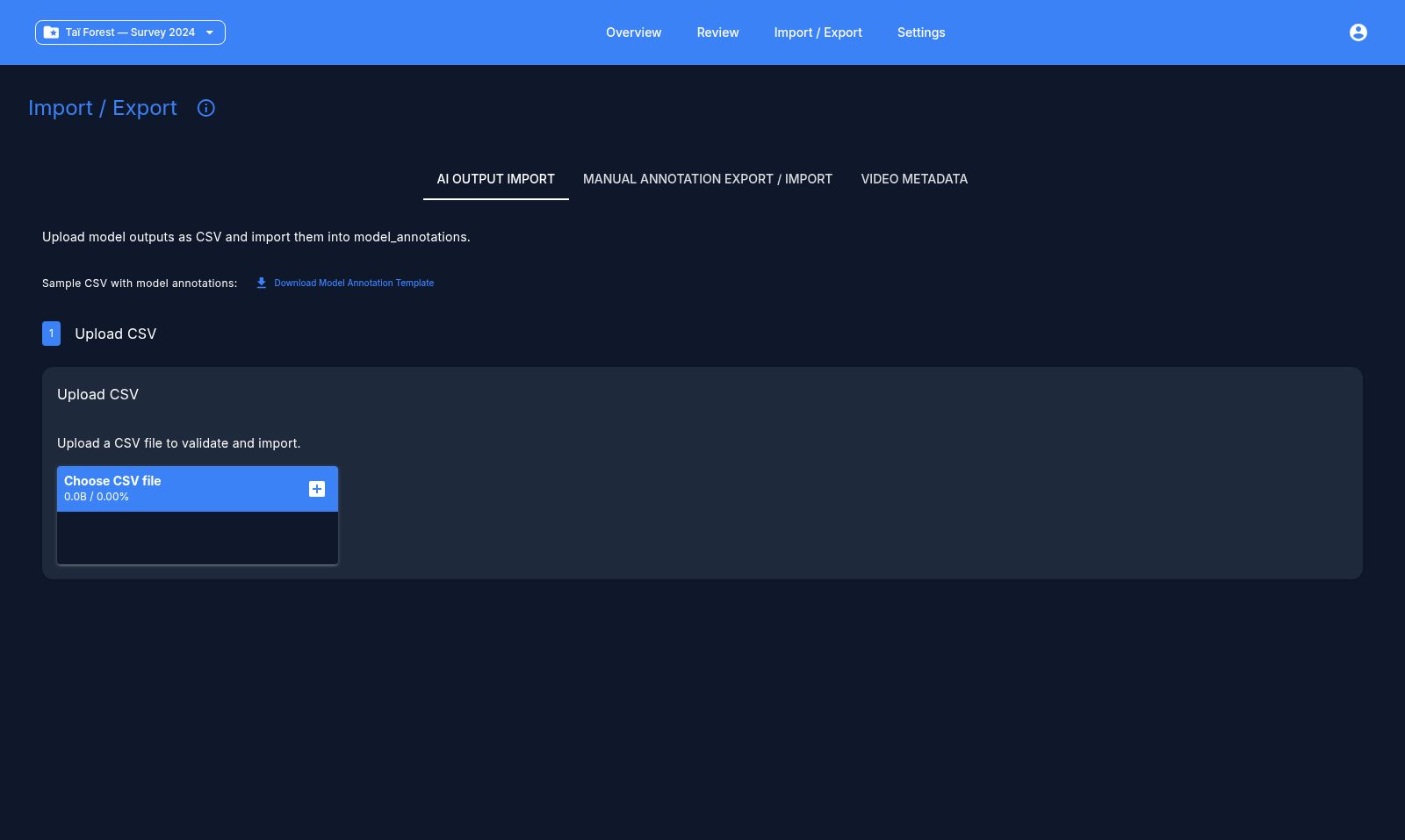
AI model annotations
Two CSV shapes are accepted:
- Long format — one row per detection, with columns
video_path(orfilepath/review_filename/original_filepath/path),annotation_type(species,blank_non_blank,behavior, orobject_detection),model_name,value_text,value_num,probability,t_start_sec,t_end_sec. - Wide format — one row per video, with columns like
top_1_<model>for the predicted species,prob_<model>,count_<model>, and blank-probability columns. The app detects this shape automatically and offers a column-mapping UI.
A downloadable CSV template is available on the import page if you're unsure of the expected columns.
Import steps
- Upload your CSV. The app suggests a path/column mapping automatically.
- Match preview — shows how many video paths matched videos already in the project, with a sample of any unmatched paths.
- Validate — checks the file and reports valid vs. invalid row counts, with a sample of valid rows.
- Review & map species — any species name in the CSV that isn't in your project's species list shows up as unmapped. For each one you can map it to an existing species, add it as a new species, or ignore it.
- Import — only this final step writes to the database. Validation and preview steps never modify your project.
Note
Rows for species left unmapped are skipped on import, so the imported data matches exactly what you saw in the preview.
Historic / manual annotations
For re-importing previously exported or external annotation spreadsheets. Supports either split path columns (folder + filename) or a single combined path column, with column pickers for species, behavior, count, observer, and timestamp. You choose whether the import should override existing annotations or append to them. The same species-mapping step applies, plus an option to map directly to "blank."
App-format annotations
If your CSV is the app's own exported format (detected via video_path/video_id + is_blank columns), the app shows a dry-run summary of matched/skipped videos and observations to insert/update/delete before you confirm the import.
Batch and bundle import
For distributing work across multiple annotators, you can import several files at once, or a single .zip bundle containing species.csv, tags.csv, model_annotations.csv, and metadata.csv.
Next: Reviewing videos